April 8th, 2025
New
💡 Turn Multiple Sources into a insight Report
Many people review countless materials to gain new knowledge and draw insights. Now, LilysAI makes that easier with a new feature that allows you to combine multiple sources into a single summary report.
LilysAI even analyzes your materials and suggests report topics—helping you explore ideas and directions you may not have considered before.
Example Use Cases
📌 Gain Insights from Multiple Sources on a Single Topic
Example: Combine a YouTube video, blog post, news article, and research paper to write a report on the concept and future of AI-based MCP.
Example: Write a report refuting the claims in Paper B from the perspective of Paper A.
Example: Combine a research paper and a blog post that explains it to create a simplified report.
🔍 Discover New Perspectives from Unrelated Sources
Example: Write a report analyzing childhood trauma in Elon Musk’s life from the perspective of Dr. Andrew Huberman’s video.
How to Use
Enter Multiple Sources on the Main Screen
You can also reuse previously uploaded sources by clicking the “Open” button.
Paid users can input up to 5 sources at once, free users can input up to 3.
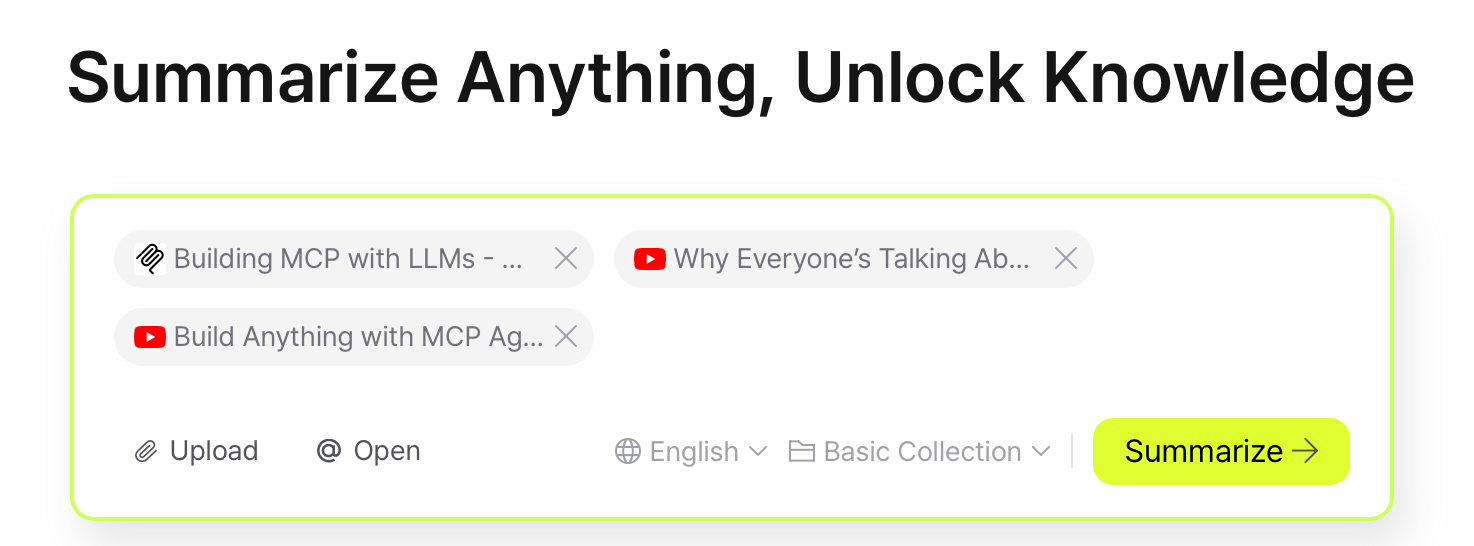
Choose a Report Topic
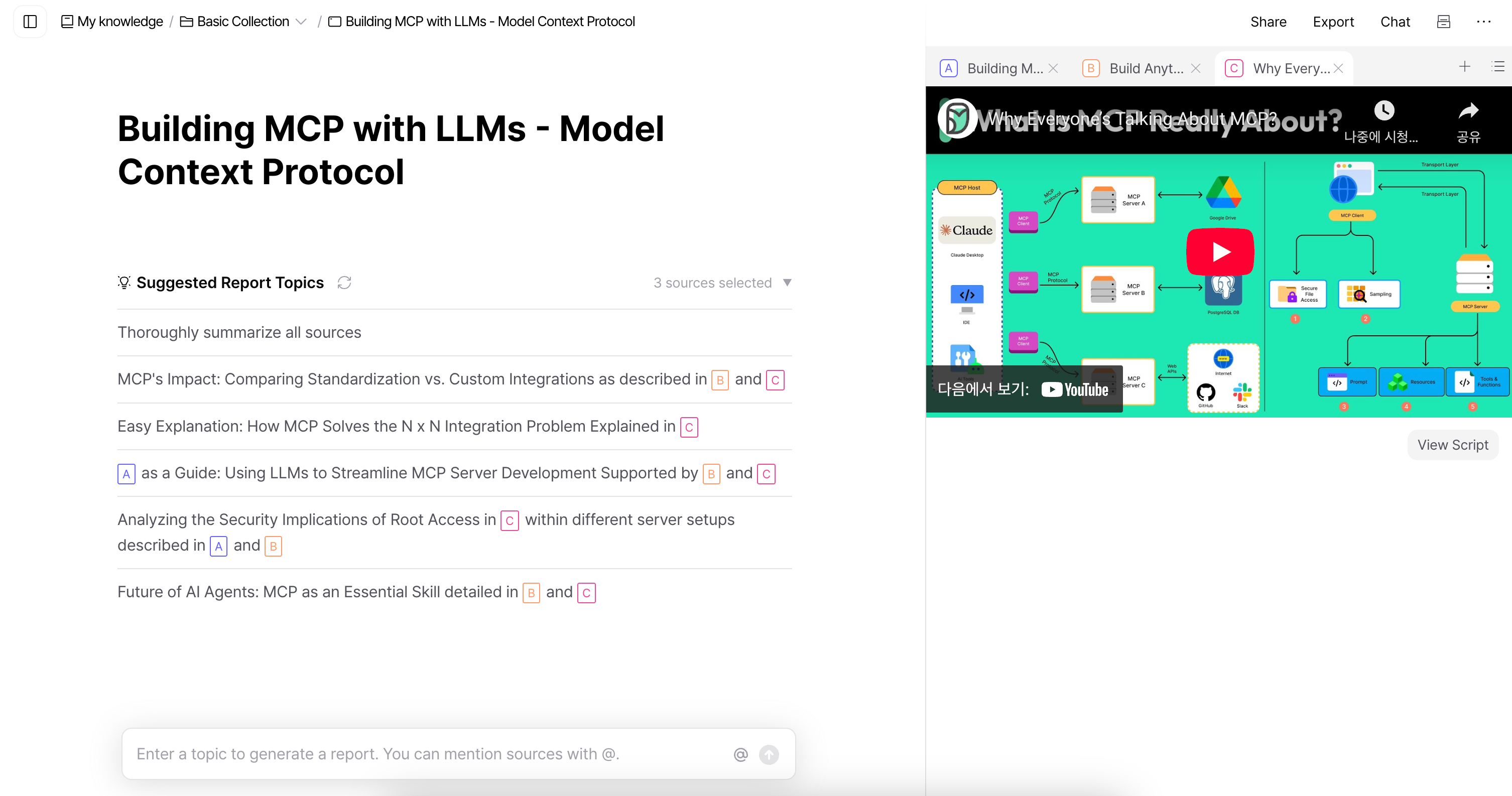
3. You can select a suggested topic or write your own.
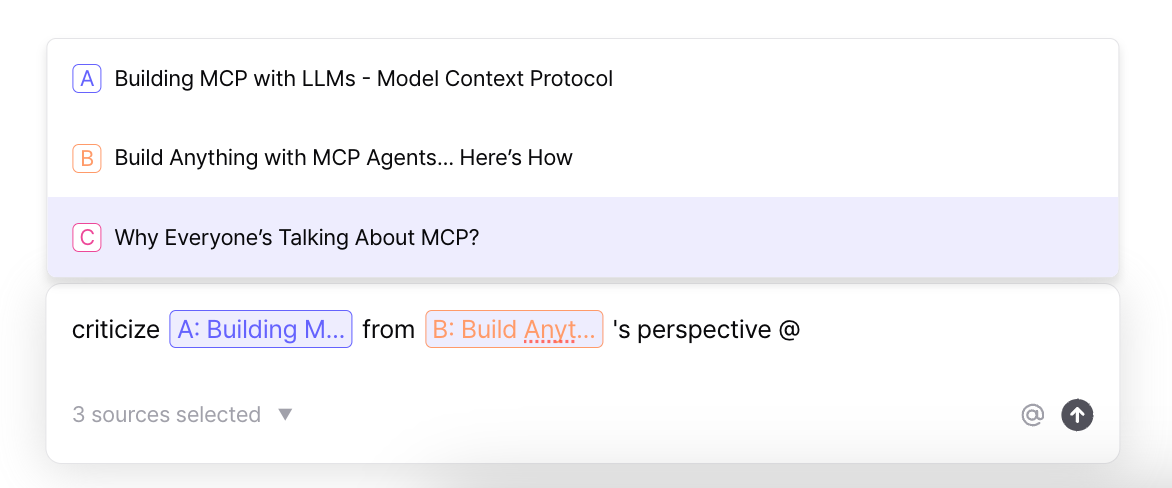
Use the “@” symbol to reference specific sources and guide the direction of the report.
You can also choose a tone of voice.(e.g. Write it in a humorous, Redit-style tone.)
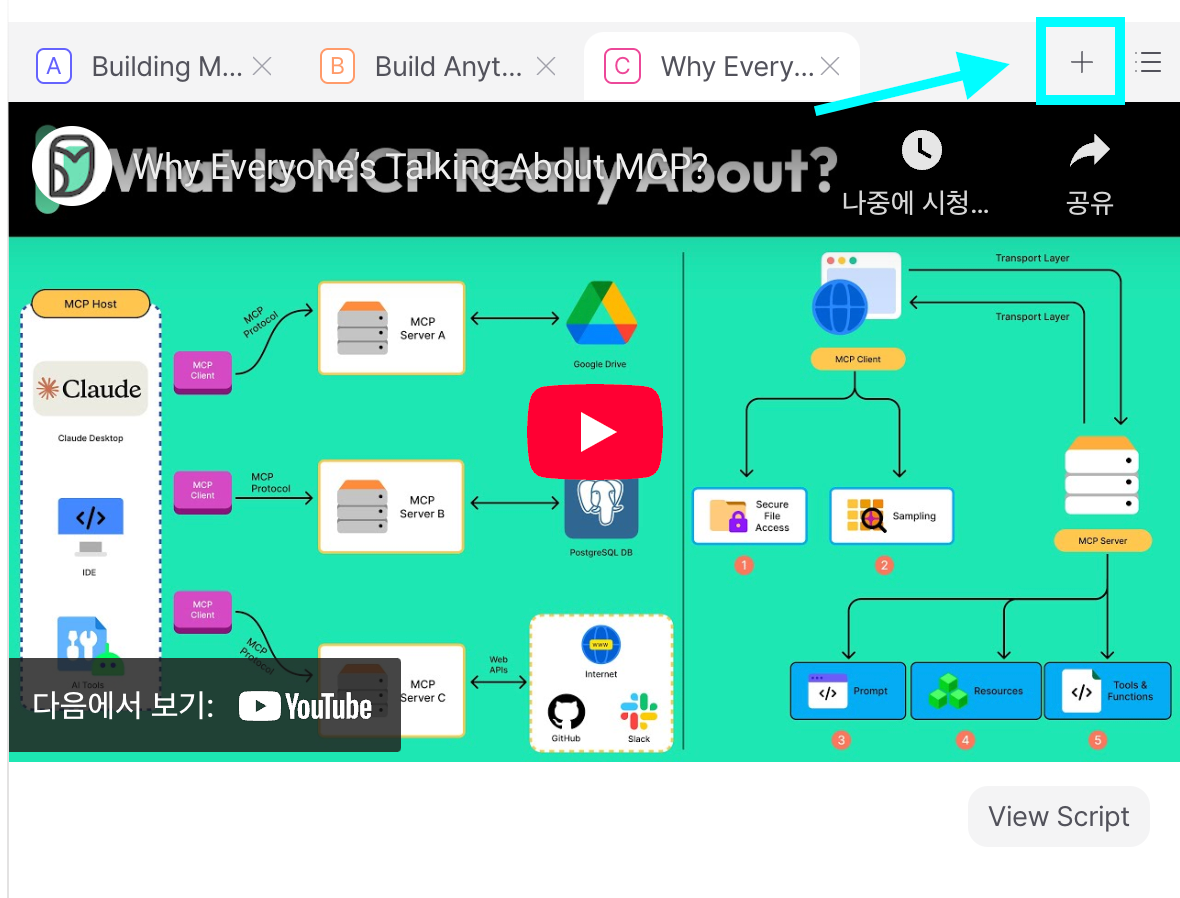
Add New Sources Midway
Click the “+” button in the viewer to insert a new source while working.
After adding a new source, click “Suggest Report Topic” to generate a new report based on the updated materials.
Additional Improvements
The chat panel has been moved to the right side. Click the “Chat” button at the top of the note to open it.
The sidebar menu is now floating, not fixed, for a cleaner view in the note screen.
A "Create Empty Note" feature has been added. Click the pencil icon in the sidebar to start a new note.
PDF translation is now more stable, with improved speed and fewer login-related issues.
Website summarization is more reliable, especially for links from sources like Wikipedia and Naver Blog.
A new onboarding guide is now available to help new users get started.