May 30th, 2025
🗺️ New Visualization Tools, 🖼️ Visual Summary Templates, 🔨 Anti-Clickbait for YouTube Thumbnails
Many of our users told us that visual formats—like mind maps and automatic video screenshots—help them understand content more easily. So we added even more visualization tools. Give them a try!
Create Visuals from Any Part
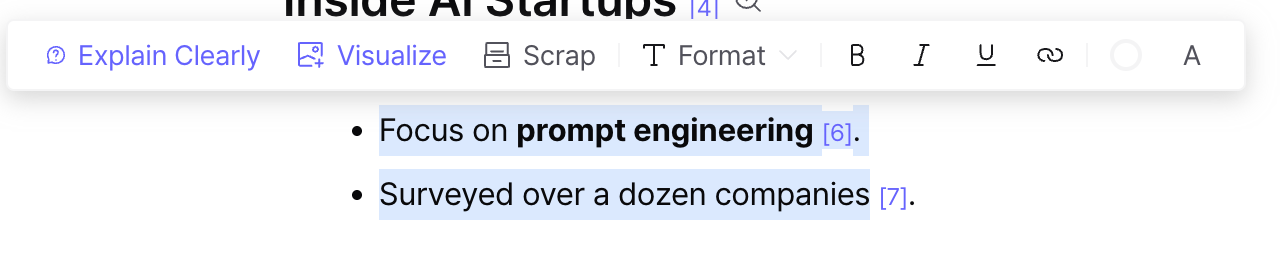
You can now highlight any part of your note and instantly generate a visual summary. More visualization formats are on the way!
Available Formats
Mind Maps
Images
Tables
Charts (Coming Soon)
Infographics (Coming Soon)
How to Use It
Drag any part you want and click the Visualize button.
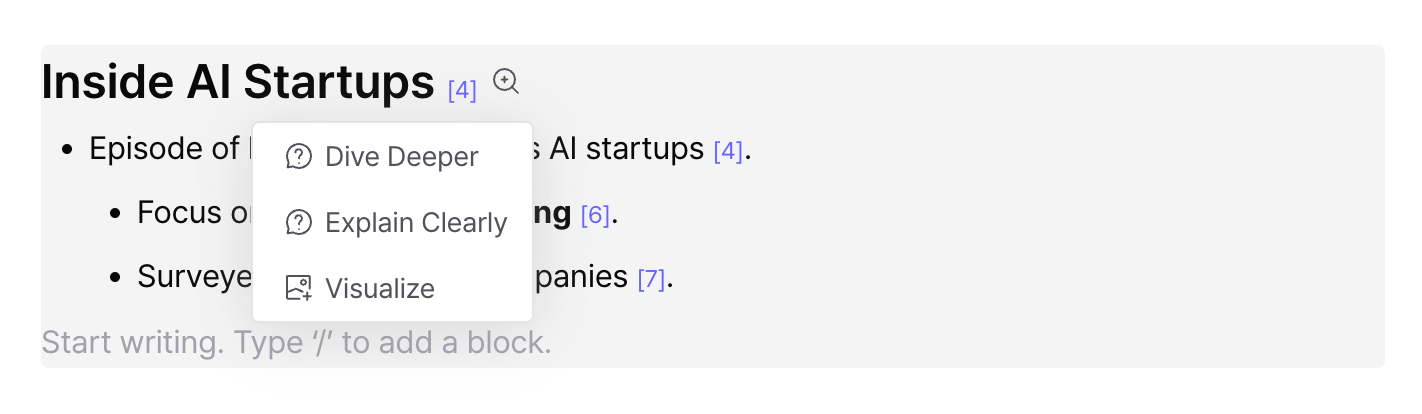
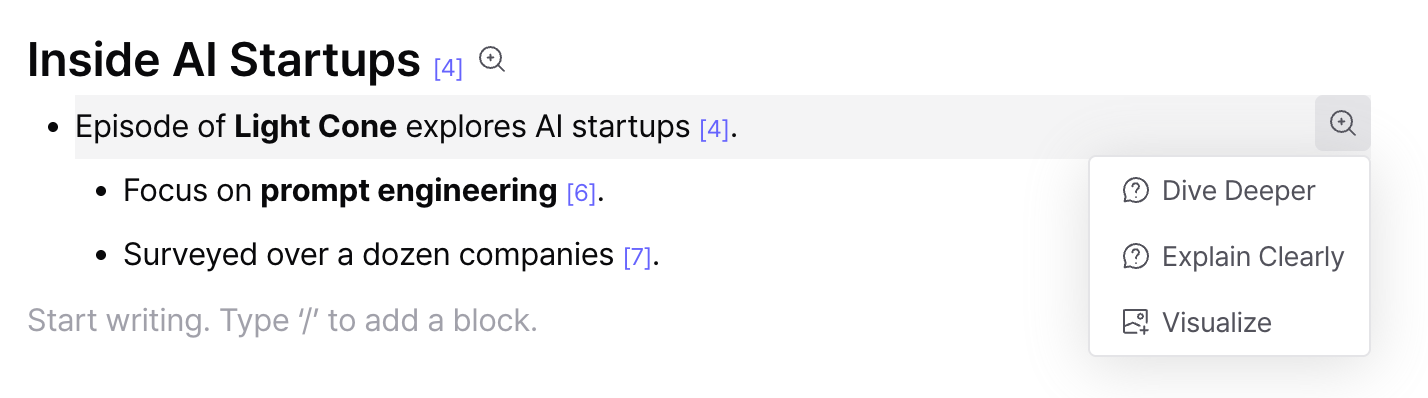
Or, click the [🔍+] button on any section or block, then select Visualize.
Visual Summary Templates
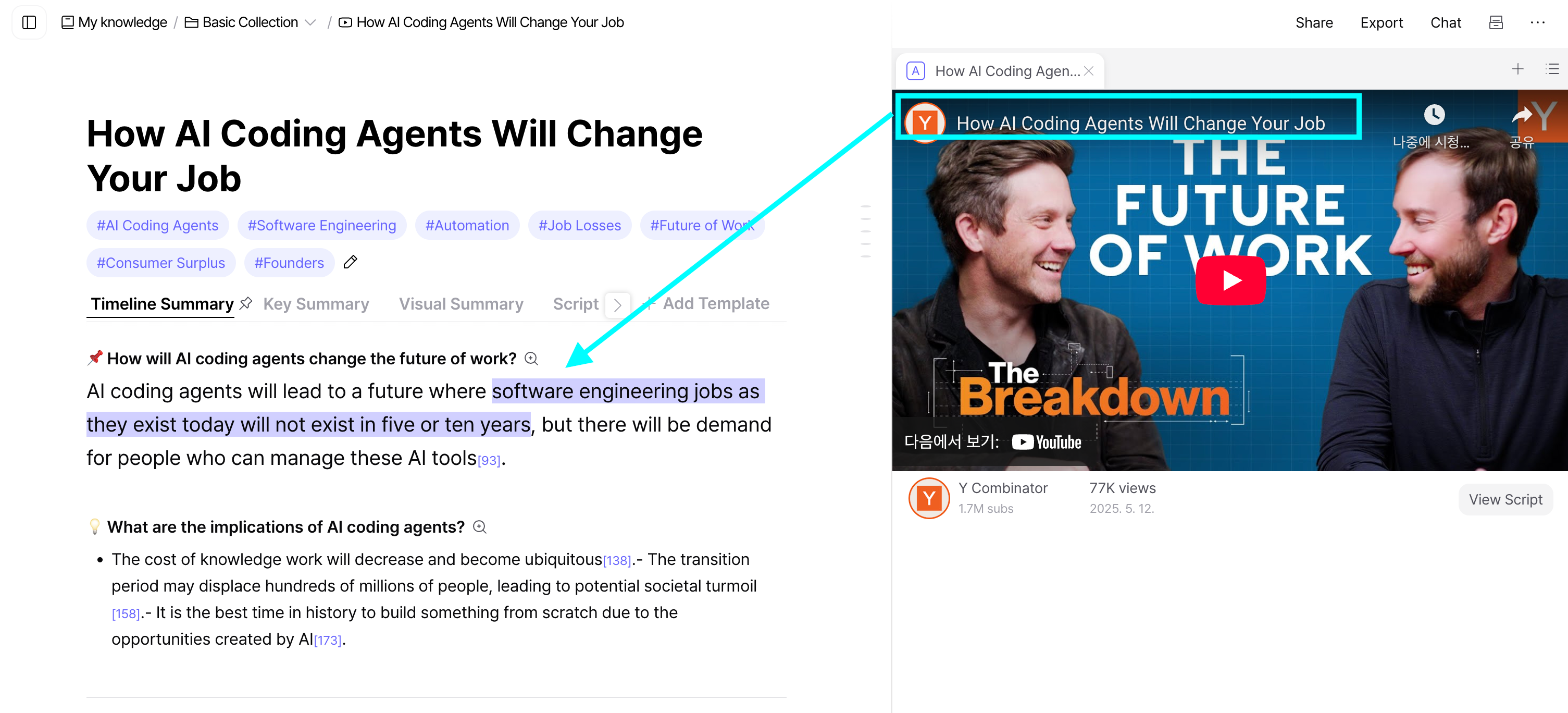
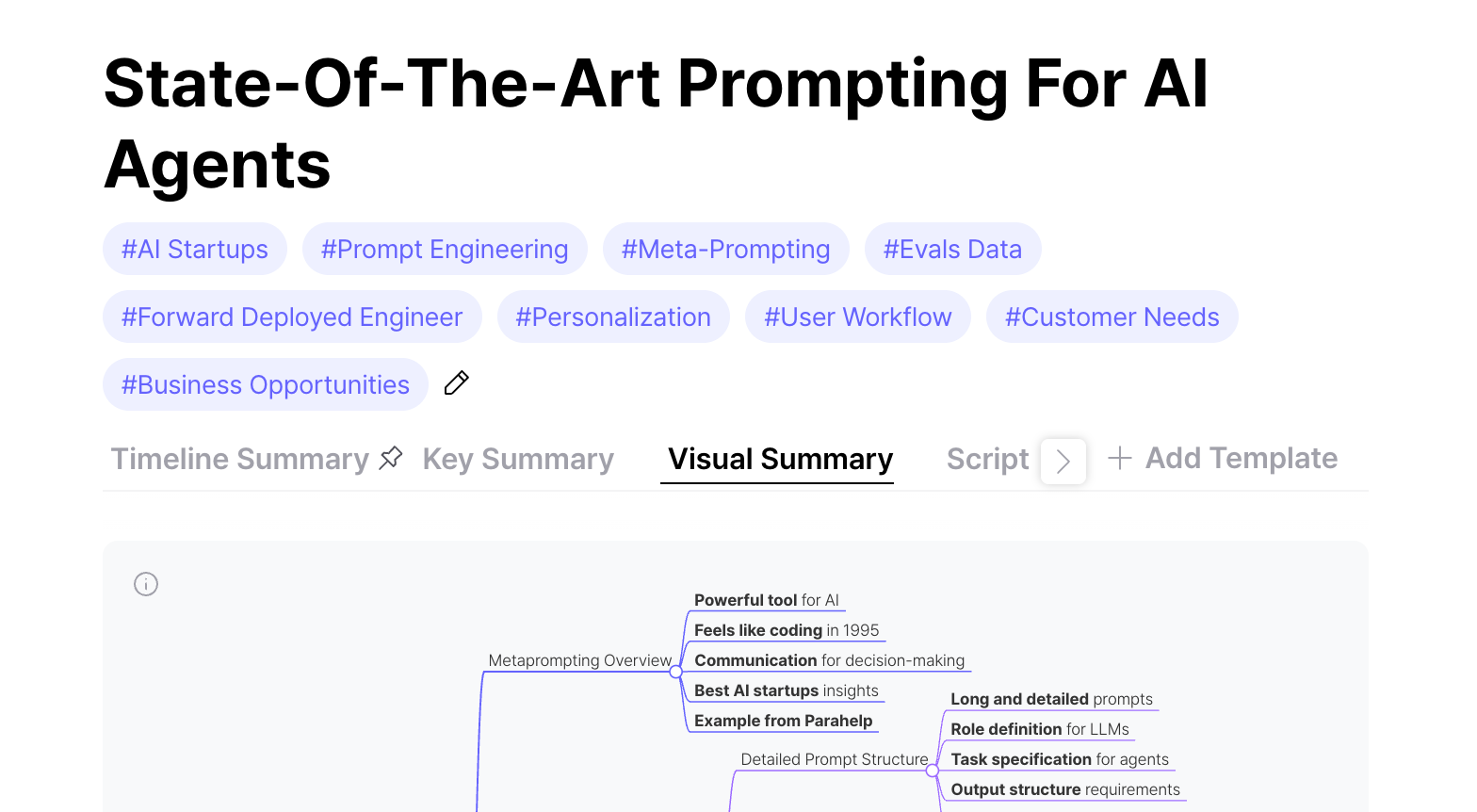
If you’ve used Timeline Summary for detailed breakdowns or Key Point Summary for quick takeaways, you’ll love the new Visual Summary template for its low-effort, high-impact format.
The Visual Summary combines mind maps, images, and tables with the simplest possible explanations—perfect for learning at a glance.
You can start using it from the Templates tab.
Defeat YouTube Clickbait
“Why did the birth rate suddenly rise?”
“Stop aging—start with THIS!”
“3 mindsets for the AI era”
We’ve all clicked these kinds of thumbnails, only to waste time hunting for answers in hour-long videos.
Now, when you drop a video into LilysAI, it analyzes the thumbnail and title, predicts the questions you’re likely to have—and shows the answers right at the top of your note.